SAP Fiori from the user experience down to the apps: design principles and architecture, the launchpad and its security, Fiori elements, the SAP Fiori tools with the flexible programming model, and how standard Fiori apps are adapted and extended – on the Sales Order Approval apps.
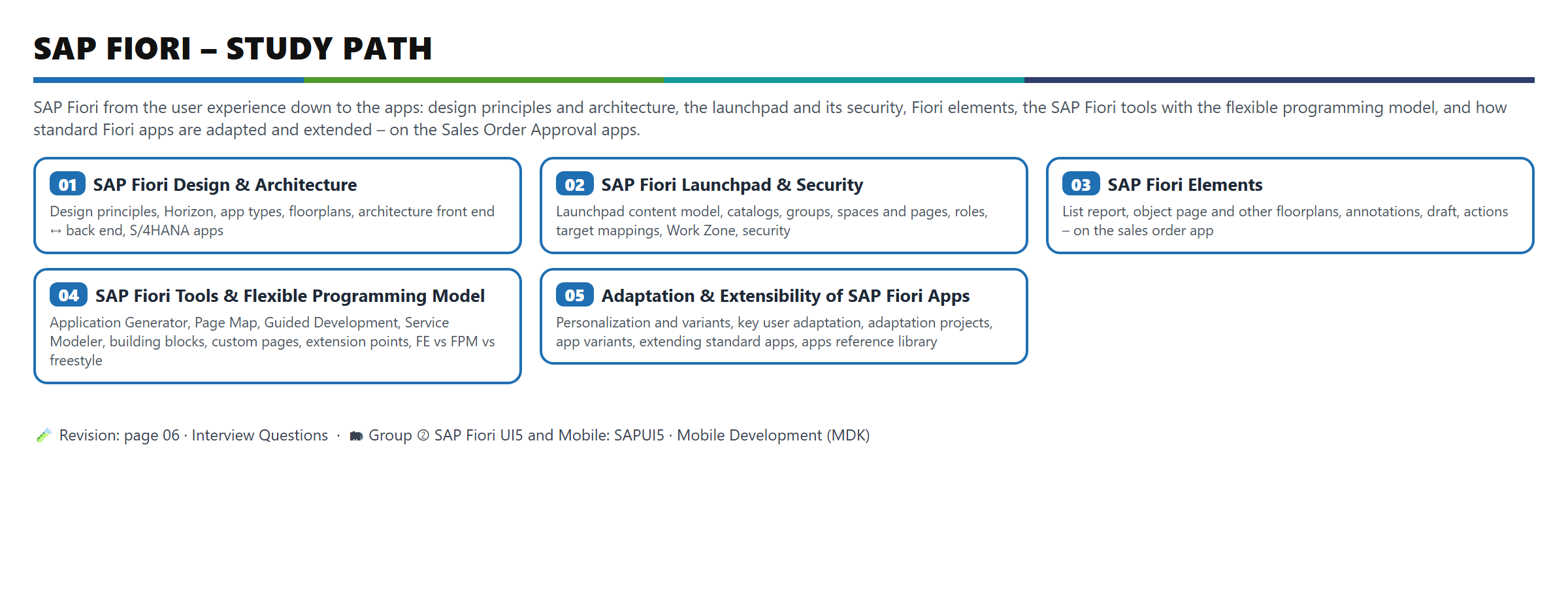
Pages in this section
Page | What you learn |
|---|---|
Design principles, Horizon, app types, floorplans, architecture front end ↔ back end, S/4HANA apps | |
Launchpad content model, catalogs, groups, spaces and pages, roles, target mappings, Work Zone, security | |
List report, object page and other floorplans, annotations, draft, actions – on the sales order app | |
Application Generator, Page Map, Guided Development, Service Modeler, building blocks, custom pages, extension points, FE vs FPM vs freestyle | |
Personalization and variants, key user adaptation, adaptation projects, app variants, extending standard apps, apps reference library | |
Every page's interview questions in one place for revision |
How to study with these notes
- Order: read the pages in number order – each page starts with why the topic matters, then a picture, then the details, common mistakes and interview tips.
- Hands-on: a SAP BTP trial or free-tier account is enough for almost every example.
- Revision: page 06 – cover the answer, answer aloud, then check the page for depth.
- Other sections in ② SAP Fiori UI5 and Mobile: SAPUI5, Mobile Development (MDK).