How you build, run and operate software on SAP BTP besides CAP: tools and MTA, SAP HANA Cloud, the Cloud Foundry and Kyma runtimes, data & AI services, DevOps and an end-to-end hands-on project.
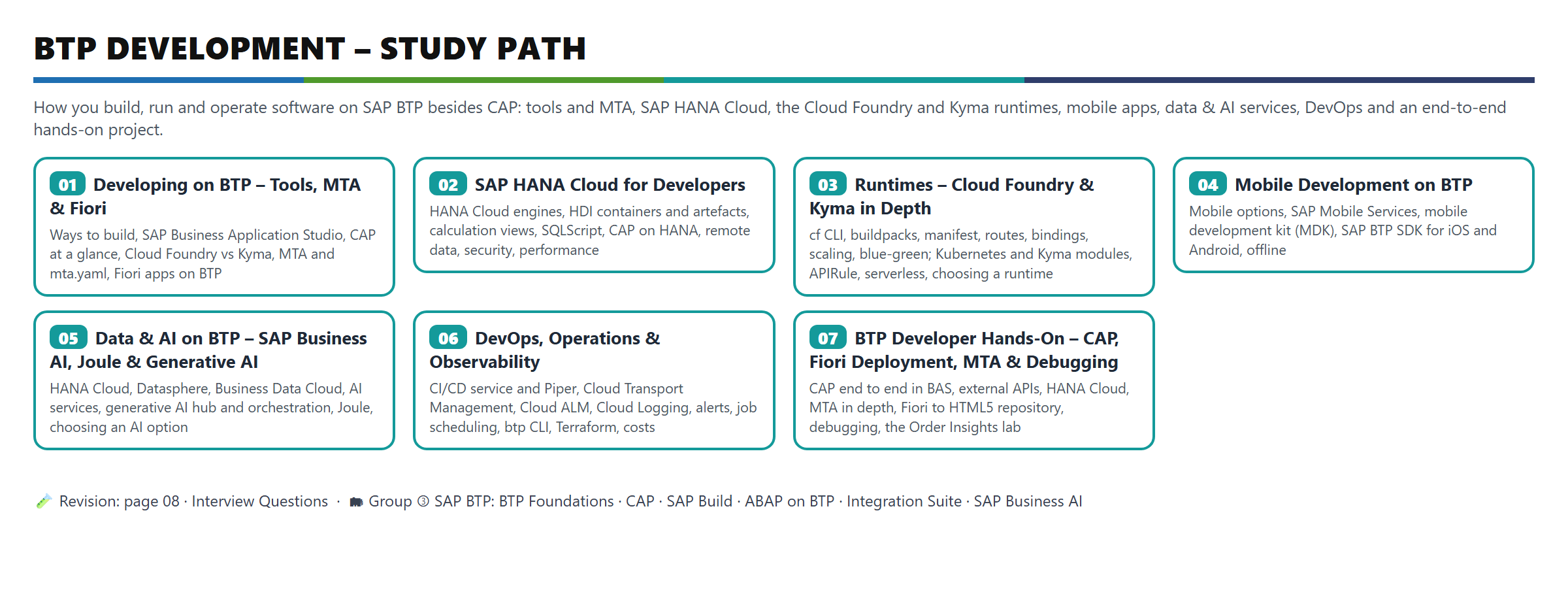
Pages in this section
Page | What you learn |
|---|---|
Ways to build, SAP Business Application Studio, CAP at a glance, Cloud Foundry vs Kyma, MTA and mta.yaml, Fiori apps on BTP | |
HANA Cloud engines, HDI containers and artefacts, calculation views, SQLScript, CAP on HANA, remote data, security, performance | |
cf CLI, buildpacks, manifest, routes, bindings, scaling, blue-green; Kubernetes and Kyma modules, APIRule, serverless, choosing a runtime | |
04 · Data & AI on BTP – SAP Business AI, Joule & Generative AI | HANA Cloud, Datasphere, Business Data Cloud, AI services, generative AI hub and orchestration, Joule, choosing an AI option |
CI/CD service and Piper, Cloud Transport Management, Cloud ALM, Cloud Logging, alerts, job scheduling, btp CLI, Terraform, costs | |
06 · BTP Developer Hands-On – CAP, Fiori Deployment, MTA & Debugging | CAP end to end in BAS, external APIs, HANA Cloud, MTA in depth, Fiori to HTML5 repository, debugging, the Order Insights lab |
Every page's interview questions in one place for revision |
How to study with these notes
- Order: read the pages in number order – each page starts with why the topic matters, then a picture, then the details, common mistakes and interview tips.
- Hands-on: a SAP BTP trial or free-tier account is enough for almost every example.
- Revision: page 07 – cover the answer, answer aloud, then check the page for depth.
- Other sections in ③ SAP BTP: BTP Foundations, CAP, SAP Build, ABAP on BTP, Integration Suite, SAP Business AI.